
Download Mahjong Solitaire: Classic – Mahjong Solitaire, tile-matching, puzzle game, offline game, classic game, relaxing game, strategic game, free game
Overview
Mahjong Solitaire: Classic is a digital adaptation of the beloved tile-matching puzzle game, designed to deliver a calming and intellectually stimulating experience for mobile users. The app aims to preserve the timeless appeal of traditional Mahjong while optimizing it for modern smartphones and tablets. It caters to a broad audience, including casual gamers seeking relaxation, puzzle enthusiasts looking for mental challenges, and fans of classic board games who appreciate nostalgic gameplay. The developer, Jolly Games, has positioned the app as a reliable, accessible tool for entertainment that requires no internet connection, making it ideal for on-the-go play during commutes, breaks, or quiet moments at home.
The game’s core purpose lies in offering a structured yet flexible puzzle environment where players must strategically match pairs of identical tiles to clear the board. This mechanic encourages focus, pattern recognition, and forward planning—skills that contribute to cognitive engagement. The app’s design emphasizes accessibility, allowing players of all experience levels to dive in without a steep learning curve. With over 180 unique levels, the game provides sustained replayability, ensuring that users are consistently challenged with new configurations. Its presence in the puzzle category underscores its role as a valuable utility within the mobile app ecosystem, offering a lightweight, distraction-free alternative to high-intensity or social gaming experiences.
Key Features & Functionality
- Intuitive Gameplay: The app follows the standard Mahjong Solitaire rules, where players remove pairs of matching tiles that are unobstructed on the board. This simple mechanic ensures immediate accessibility, enabling both new and experienced players to engage without prior knowledge of the game.
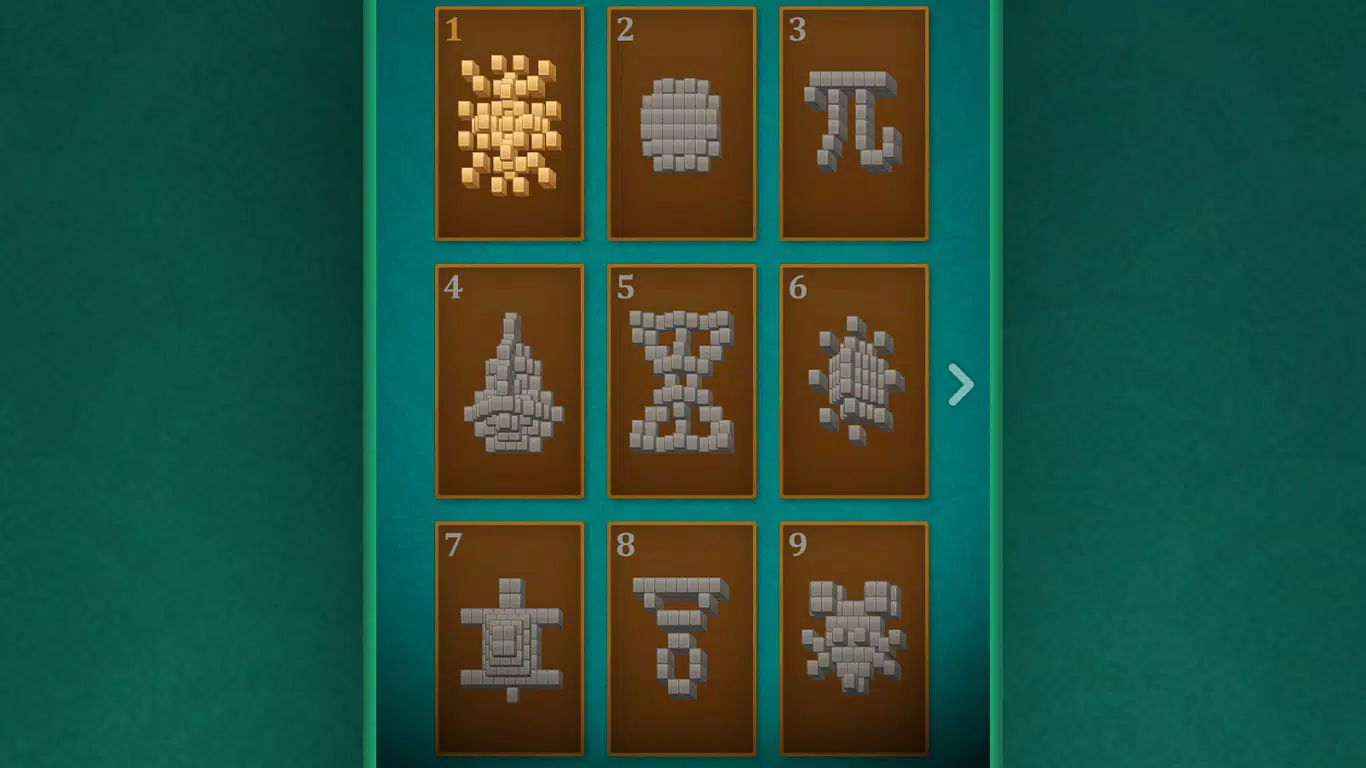
- Vast Level Selection: With more than 180 levels, the game offers a diverse range of board layouts and difficulty curves. Each level presents a unique arrangement of tiles, promoting sustained engagement and preventing repetitive gameplay.
- Offline Play Capability: A key strength of Mahjong Solitaire: Classic is its ability to be played without an internet connection. This feature enhances usability across various environments, from travel to low-connectivity areas, making it a dependable companion for downtime.
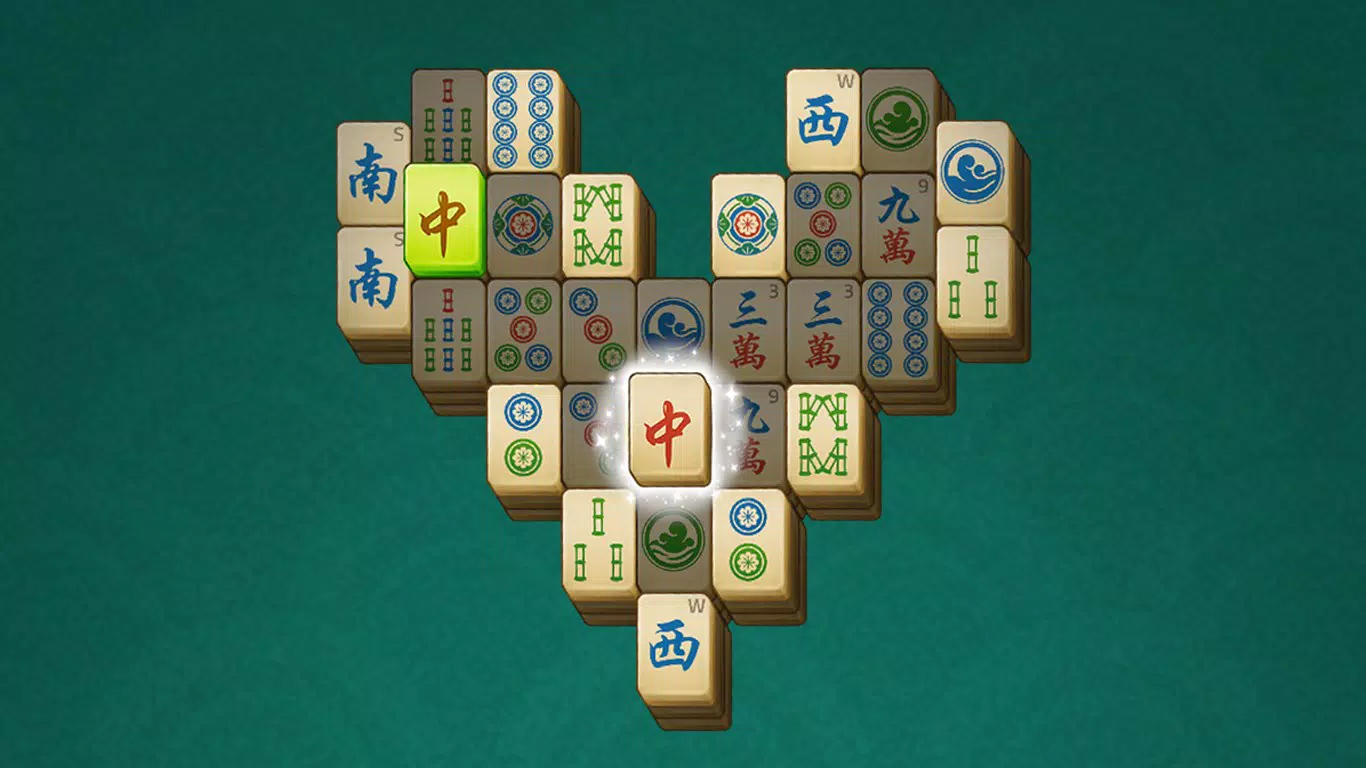
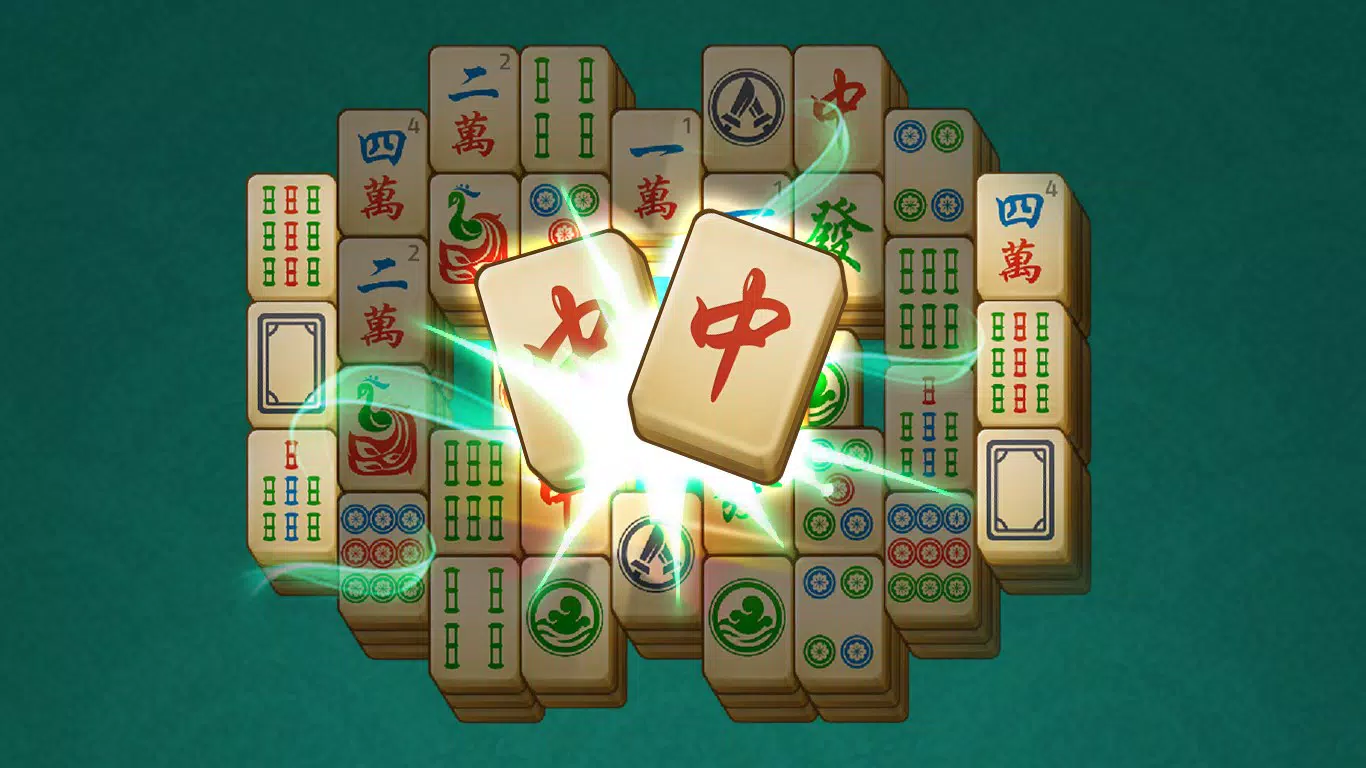
- Stunning Graphics: The app features vibrant tile designs and smooth animations that enhance visual appeal. The aesthetic choices contribute to a relaxing atmosphere, supporting the app’s goal of providing a meditative gaming experience.
- Ad-Free Option: While the free version includes advertisements, users can opt to remove them through an in-app purchase. This gives players control over their experience, allowing for uninterrupted play for those who prefer a distraction-free session.
Real-world use cases include using the app during short breaks at work, as a mindfulness tool before sleep, or as a way to pass time while waiting. The structured progression and visual feedback reinforce a sense of accomplishment, making it suitable for both casual and dedicated puzzle solvers.
Interface, UX & Performance
The user interface of Mahjong Solitaire: Classic is designed with clarity and simplicity in mind. The layout centers on a well-organized board where tiles are arranged in intricate patterns, with consistent spacing and visual cues to help players identify valid matches. Navigation is straightforward—players tap on a tile to select it, and the game highlights potential matches, reducing confusion and improving usability. The visual style leans toward a clean, modern aesthetic with soft color palettes and smooth transitions, contributing to a calming experience.
Although the developer did not list formal performance metrics, the app’s lightweight size of 75.6 MB suggests efficient resource usage. It is expected to run smoothly on a range of Android devices, from entry-level to mid-tier models. Responsiveness is consistent during gameplay, with minimal lag between taps and tile removals.
Stability appears to be well-maintained, with no reported issues related to crashes or freezes. The app maintains performance across different screen sizes and orientations, ensuring a consistent experience whether used in portrait or landscape mode. Overall, the UX is optimized for ease of use, with minimal friction between user input and game response.
Platform Compatibility & Technical Requirements
Mahjong Solitaire: Classic is available exclusively on the Android platform. The current version is 1.2.1, and the app occupies 75.6 MB of storage space on the device. The developer did not specify minimum OS requirements, so compatibility with older or newer Android versions remains unclear.
Users should ensure their device meets the general standards for running Android applications, including sufficient RAM and processing power. The app is free to download and install, with no in-app purchases required for basic gameplay. The lack of detailed technical specifications means that users should rely on standard device compatibility checks when installing.
Pros and Cons
- Simple, intuitive gameplay suitable for all ages
- Over 180 unique levels for extended replayability
- Full offline functionality for uninterrupted play
- Visually appealing design with smooth animations
- Ad-free option available via in-app purchase
- No detailed system requirements provided by the developer
- Ads may interrupt gameplay in the free version
- Exclusive to Android, no iOS availability mentioned
- Gameplay may become repetitive for highly experienced players
- Limited customization options for tile sets or themes
FAQ
Is Mahjong Solitaire: Classic available for iOS?
The developer has not indicated iOS availability. The app is currently only listed for Android devices.
Can I play Mahjong Solitaire: Classic without an internet connection?
Yes, the app supports full offline play. You can enjoy all levels without needing an active internet connection.
Are there in-app purchases in Mahjong Solitaire: Classic?
Yes, while the game is free to download, there is an in-app purchase option to remove ads and enhance the gameplay experience.
How large is the app file size?
The app has a file size of 75.6 MB, making it a lightweight download suitable for devices with limited storage.
Is the app safe to download and install?
As the app is distributed through official Android channels and developed by Jolly Games, it is considered secure. Always ensure downloads come from trusted sources.
Final Thoughts
Mahjong Solitaire: Classic delivers a polished, accessible puzzle experience that balances nostalgia with modern usability. Its emphasis on offline play, visual elegance, and structured progression makes it a standout choice in the mobile puzzle category. Whether you're looking for a relaxing escape or a mental challenge, this app provides a satisfying and distraction-free environment. The combination of intuitive design, consistent performance, and thoughtful features ensures a positive experience across various user types. For anyone seeking a free, reliable, and engaging puzzle game, Mahjong Solitaire: Classic is a strong contender.
Download Mahjong Solitaire: Classic now


